Users, roles & permissions
Grant access per module and per action, scoped to clients or stations where needed.
Welcome
to Rydr&
Administration & access
A rider company has HR, finance, supervisors, PROs and management, each needing different access. Administration lets you shape Rydr& to your organisation and see every change made inside it.
Users, roles, permissions, business rules, geofences, templates and audit history.
Capabilities
What Administration & access covers inside Rydr&.
Grant access per module and per action, scoped to clients or stations where needed.
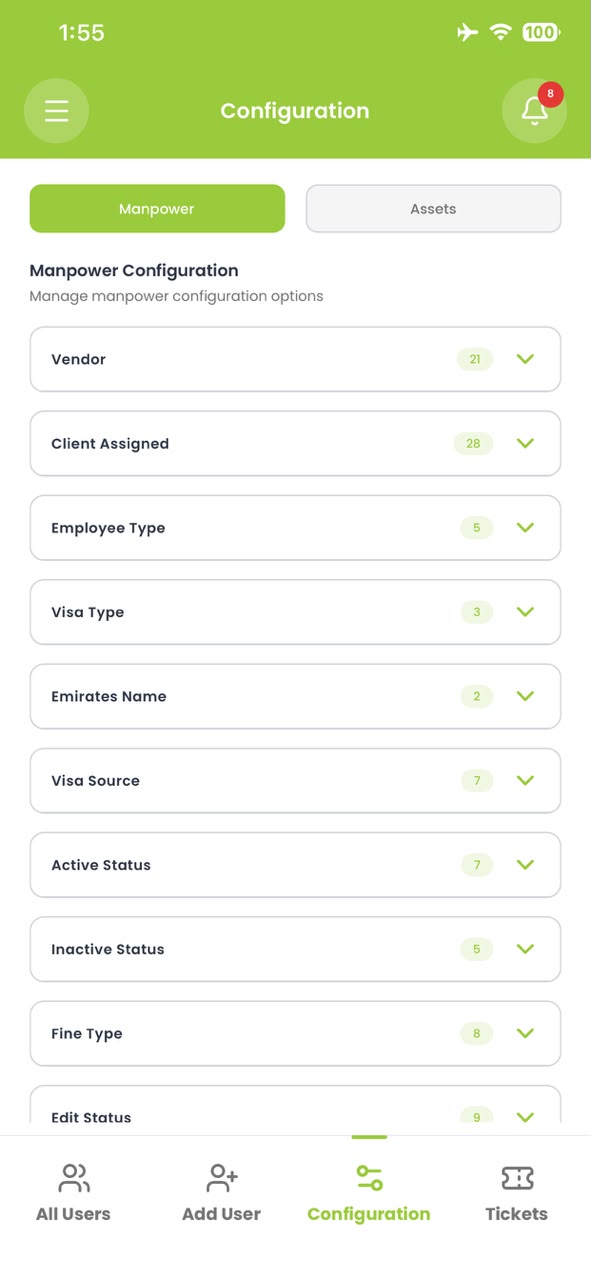
Maintain vendors, employee types, visa sources, statuses and fine types without a developer.
Draw each station’s check-in area and adjust it as sites move.
Payslip and agreement templates in your own layout and language.
Every edit, approval and login, with who, when and what changed.
Workflow
Set up roles, lists and geofences to match how you work.
Invite users with exactly the access their job needs.
Review the change history whenever a question comes up.
What Administration & access does not do, stated plainly.

See it with your own data
Book a walkthrough and we’ll take you through people, fleet and payroll the way your operation actually runs.